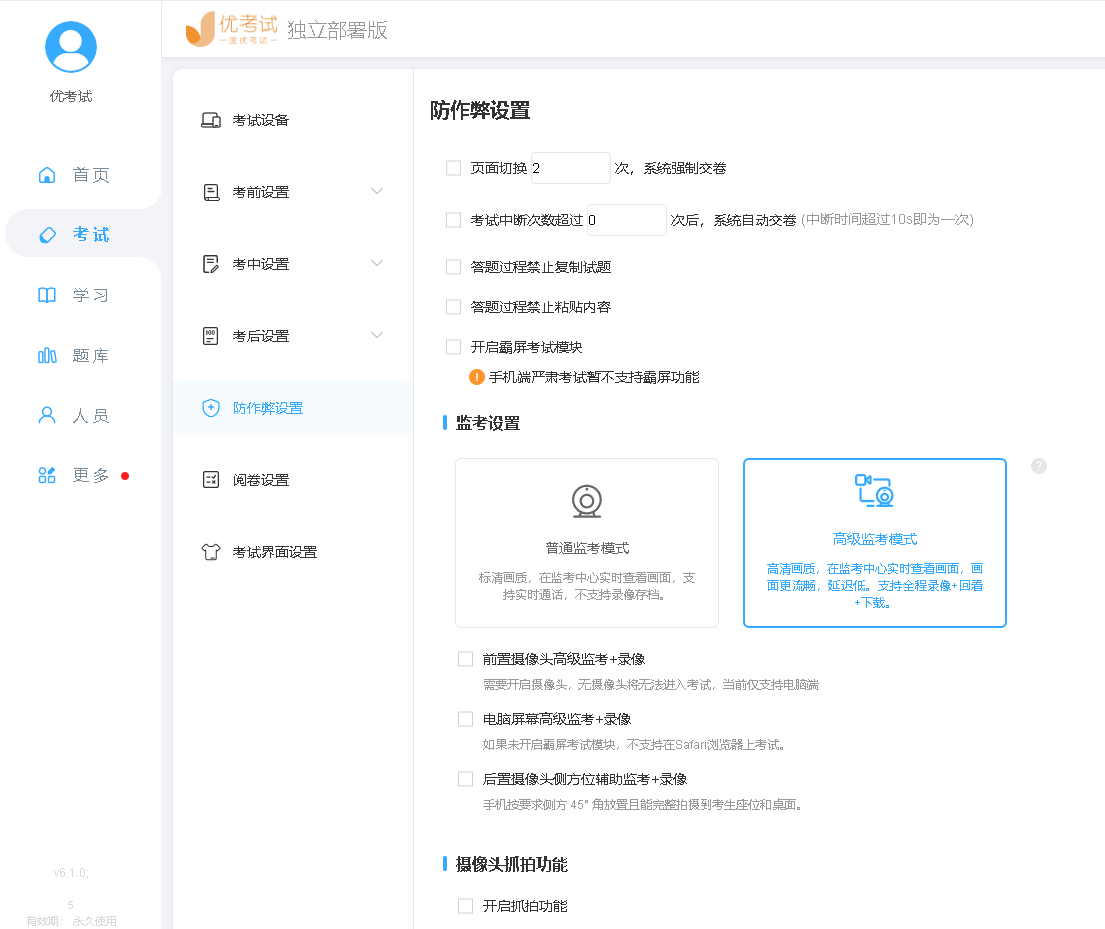
优考试6.0接入阿里云RTC实现考试视频监控功能
优考试6.0接入阿里云RTC,根据阿里云ARTC Web SDK是由阿里云提供的一套基于Web的实时通信开发工具。它允许开发者在Web应用中快速集成高质量的音视频通话功能、实时消息传递等实时互动功能。本文为您演示快速搭建属于自己的ARTC应用。RTC示例
function hex(buffer) {
const hexCodes = [];
const view = new DataView(buffer);
for (let i = 0; i < view.byteLength; i += 4) {
const value = view.getUint32(i);
const stringValue = value.toString(16);
const padding = ‘00000000’;
const paddedValue = (padding + stringValue).slice(-padding.length);
hexCodes.push(paddedValue);
}
return hexCodes.join(‘’);
}
async function generateToken(appId, appKey, channelId, userId, timestamp) {
const encoder = new TextEncoder();
const data = encoder.encode(${appId}${appKey}${channelId}${userId}${timestamp});
const hash = await crypto.subtle.digest(‘SHA-256’, data);
return hex(hash);
}
function showToast(baseId, message) {
KaTeX parse error: Expected 'EOF', got '#' at position 3: (`#̲{baseId}Body).text(message); const toast = new bootstrap.Toast($(#${baseId}`));
toast.show();
}
// 填入您的应用ID 和 AppKey
const appId = ‘’;
const appKey = ‘’;
AliRtcEngine.setLogLevel(0);
let aliRtcEngine;
const remoteVideoElMap = {};
const remoteVideoContainer = document.querySelector(‘#remoteVideoContainer’);
function removeRemoteVideo(userId, type = ‘camera’) {
const vid = ${type}_${userId};
const el = remoteVideoElMap[vid];
if (el) {
aliRtcEngine.setRemoteViewConfig(null, userId, type === ‘camera’ ? 1: 2);
el.pause();
remoteVideoContainer.removeChild(el);
delete remoteVideoElMap[vid];
}
}
function listenEvents() {
if (!aliRtcEngine) {
return;
}
// 监听远端用户上线
aliRtcEngine.on(‘remoteUserOnLineNotify’, (userId, elapsed) => {
console.log(用户 ${userId} 加入频道,耗时 ${elapsed} 秒);
// 这里处理您的业务逻辑,如展示这个用户的模块
showToast(‘onlineToast’, 用户 ${userId} 上线);
});
// 监听远端用户下线
aliRtcEngine.on(‘remoteUserOffLineNotify’, (userId, reason) => {
// reason 为原因码,具体含义请查看 API 文档
console.log(用户 ${userId} 离开频道,原因码: ${reason});
// 这里处理您的业务逻辑,如销毁这个用户的模块
showToast(‘offlineToast’, 用户 ${userId} 下线);
removeRemoteVideo(userId, ‘camera’);
removeRemoteVideo(userId, ‘screen’);
});
aliRtcEngine.on(‘bye’, code => {
// code 为原因码,具体含义请查看 API 文档
console.log(bye, code=${code});
// 这里做您的处理业务,如退出通话页面等
showToast(‘loginToast’, 您已离开频道,原因码: ${code});
});
aliRtcEngine.on(‘videoSubscribeStateChanged’, (userId, oldState, newState, interval, channelId) => {
// oldState、newState 类型均为AliRtcSubscribeState,值包含 0(初始化)、1(未订阅)、2(订阅中)、3(已订阅)
// interval 为两个状态之间的变化时间间隔,单位毫秒
console.log(频道 ${channelId} 远端用户 ${userId} 订阅状态由 ${oldState} 变为 ${newState});
const vid = camera_${userId};
// 处理示例
if (newState === 3) {
const video = document.createElement(‘video’);
video.autoplay = true;
video.className = ‘video’;
remoteVideoElMap[vid] = video;
remoteVideoContainer.appendChild(video);
// 第一个参数传入 HTMLVideoElement
// 第二个参数传入远端用户 ID
// 第三个参数支持传入 1 (预览相机流)、2(预览屏幕共享流)
aliRtcEngine.setRemoteViewConfig(video, userId, 1);
} else if (newState === 1) {
removeRemoteVideo(userId, ‘camera’);
}
});
aliRtcEngine.on(‘screenShareSubscribeStateChanged’, (userId, oldState, newState, interval, channelId) => {
// oldState、newState 类型均为AliRtcSubscribeState,值包含 0(初始化)、1(未订阅)、2(订阅中)、3(已订阅)
// interval 为两个状态之间的变化时间间隔,单位毫秒
console.log(频道 ${channelId} 远端用户 ${userId} 屏幕流的订阅状态由 ${oldState} 变为 ${newState});
const vid = screen_${userId};
// 处理示例
if (newState === 3) {
const video = document.createElement(‘video’);
video.autoplay = true;
video.className = ‘video’;
remoteVideoElMap[vid] = video;
remoteVideoContainer.appendChild(video);
// 第一个参数传入 HTMLVideoElement
// 第二个参数传入远端用户 ID
// 第三个参数支持传入 1 (预览相机流)、2(预览屏幕共享流)
aliRtcEngine.setRemoteViewConfig(video, userId, 2);
} else if (newState === 1) {
removeRemoteVideo(userId, ‘screen’);
}
});
}
$(‘#loginForm’).submit(async e => {
// 防止表单默认提交动作
e.preventDefault();
const channelId = $(‘#channelId’).val();
const userId = $(‘#userId’).val();
const timestamp = Math.floor(Date.now() / 1000) + 3600 * 3;
if (!channelId || !userId) {
showToast(‘loginToast’, ‘数据不完整’);
return;
}
aliRtcEngine = AliRtcEngine.getInstance();
listenEvents();
try {
const token = await generateToken(appId, appKey, channelId, userId, timestamp);
// 设置频道模式,支持传入字符串 communication(通话模式)、interactive_live(互动模式)
aliRtcEngine.setChannelProfile(‘communication’);
// 设置角色,互动模式时调用才生效
// 支持传入字符串 interactive(互动角色,允许推拉流)、live(观众角色,仅允许拉流)
// aliRtcEngine.setClientRole(‘interactive’);
// 加入频道,参数 token、nonce 等一般有服务端返回
await aliRtcEngine.joinChannel(
{
channelId,
userId,
appId,
token,
timestamp,
},
userId
);
showToast(‘loginToast’, ‘加入频道成功’);
$(‘#joinBtn’).prop(‘disabled’, true);
$(‘#leaveBtn’).prop(‘disabled’, false);
// 预览
aliRtcEngine.setLocalViewConfig('localPreviewer', 1);
} catch (error) {
console.log(‘加入频道失败’, error);
showToast(‘loginToast’, ‘加入频道失败’);
}
});
$(‘#leaveBtn’).click(async () => {
Object.keys(remoteVideoElMap).forEach(vid => {
const arr = vid.split(‘_’);
removeRemoteVideo(arr[1], arr[0]);
});
// 停止本地预览
await aliRtcEngine.stopPreview();
// 离开频道
await aliRtcEngine.leaveChannel();
// 销毁实例
aliRtcEngine.destroy();
aliRtcEngine = undefined;
$(‘#joinBtn’).prop(‘disabled’, false);
$(‘#leaveBtn’).prop(‘disabled’, true);
showToast(‘loginToast’, ‘已离开频道’);
});
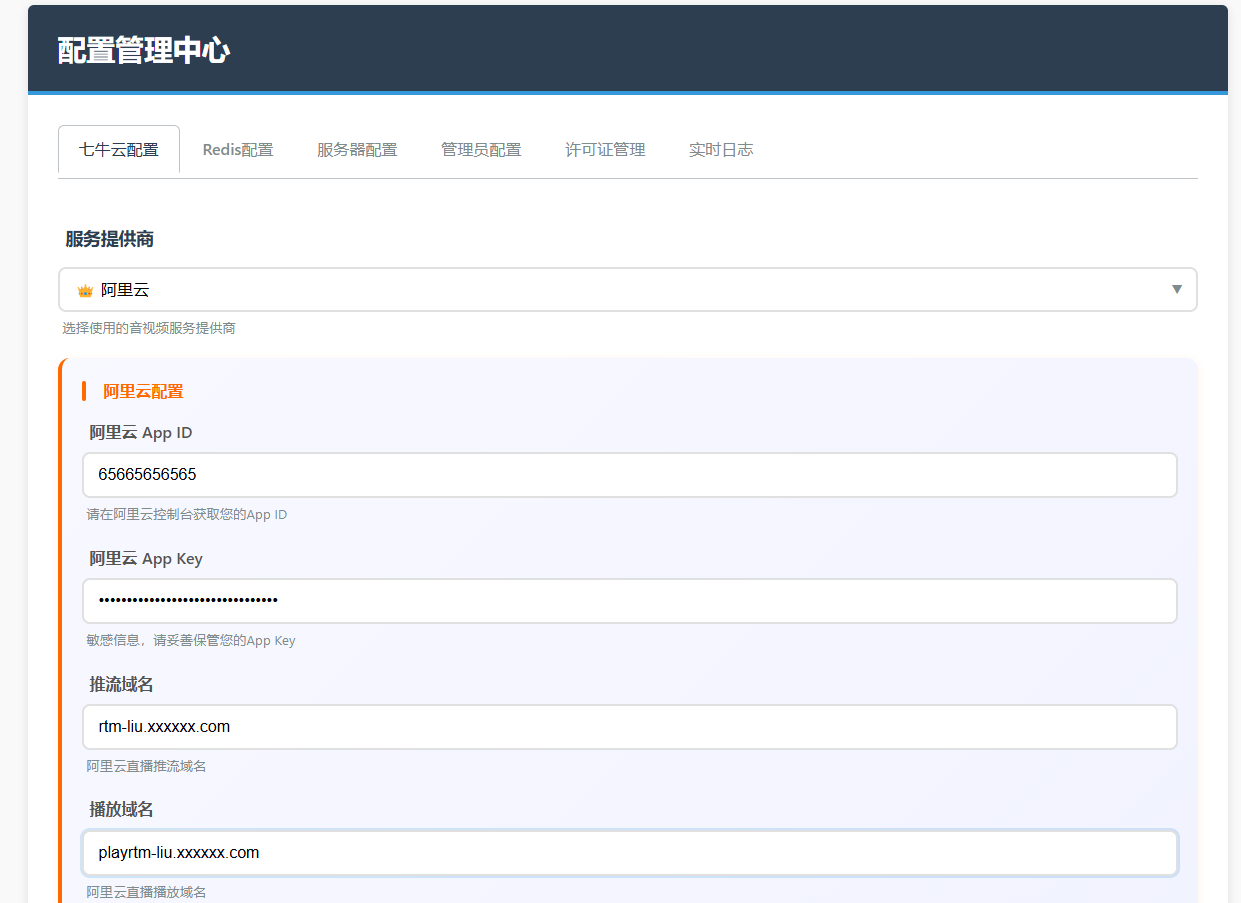
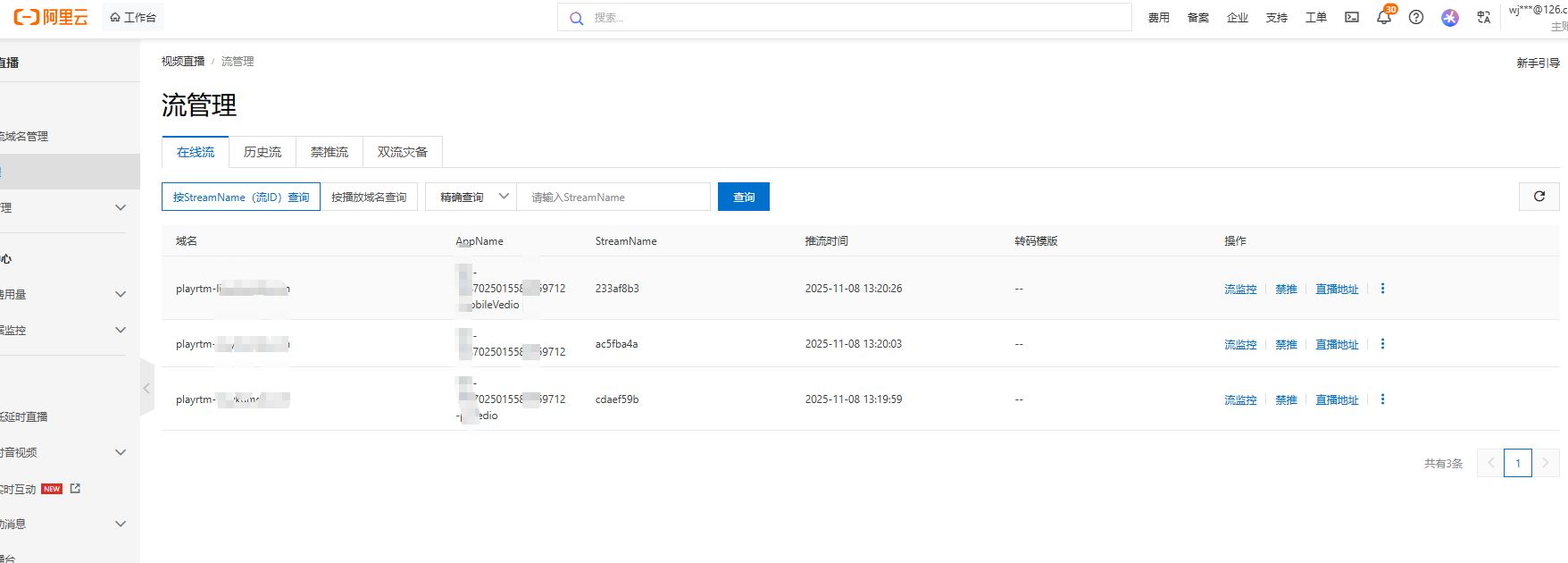
主要根据阿里RTC的SDK ,对优考试系统同的JS文件代码进行修改,示例
initAliyunRTS: function () {
try {
if (typeof AliRTSPusher === ‘undefined’) {
console.error(‘阿里云 RTS SDK 未加载’);
return;
}
this.pushClient = AliRTSPusher.createClient();
this.pushClient.on('error', (err) => {
console.error('阿里云 RTS 错误:', err);
this.handlePushError(`推流错误: ${err.errorCode}`);
});
this.pushClient.on('pushStatus', (status) => {
console.log('推流状态:', status);
if (status === 'pushing') {
this.isPublishing = true;
this.showLoading = false;
console.log('推流开始成功');
} else if (status === 'pushStopped') {
this.isPublishing = false;
console.log('推流已停止');
} else if (status === 'pushFailed') {
this.isPublishing = false;
this.handlePushError('推流失败,请检查网络连接');
}
});
// 添加连接状态变化监听
this.pushClient.on('connectStatusChange', (event) => {
console.log('连接状态变化:', event);
this.handleConnectStatusChange(event);
});
// 监听网络状态
this.pushClient.on('networkStatus', (status) => {
console.log('网络状态:', status);
});
this.isRTSInitialized = true;
console.log('阿里云 RTS SDK 初始化成功');
} catch (error) {
console.error('初始化阿里云 RTS 失败:', error);
this.handlePushError('初始化推流服务失败');
}
},
handleConnectStatusChange: function (event) {
switch (event.status) {
case 1: // 连接中
console.log('RTS 连接中...');
this.showLoading = true;
this.text = "连接中";
break;
case 2: // 已连接
console.log('RTS 已连接');
this.showLoading = false;
this.isReconnecting = false;
this.reconnectCount = 0;
this.isPublishing = true; // 设置推流状态为 true
break;
case 3: // 自动重连中
console.log('RTS 自动重连中,推流暂时中断');
this.isReconnecting = true;
this.reconnectCount++;
this.showLoading = true;
this.text = "重新连接中 " + this.reconnectCount;
this.isPublishing = false; // 重连中推流中断
break;
case 0: // 连接中断
console.log('RTS 连接中断,推流结束');
this.isPublishing = false;
this.isReconnecting = false;
this.showLoading = false;
break;
}
},
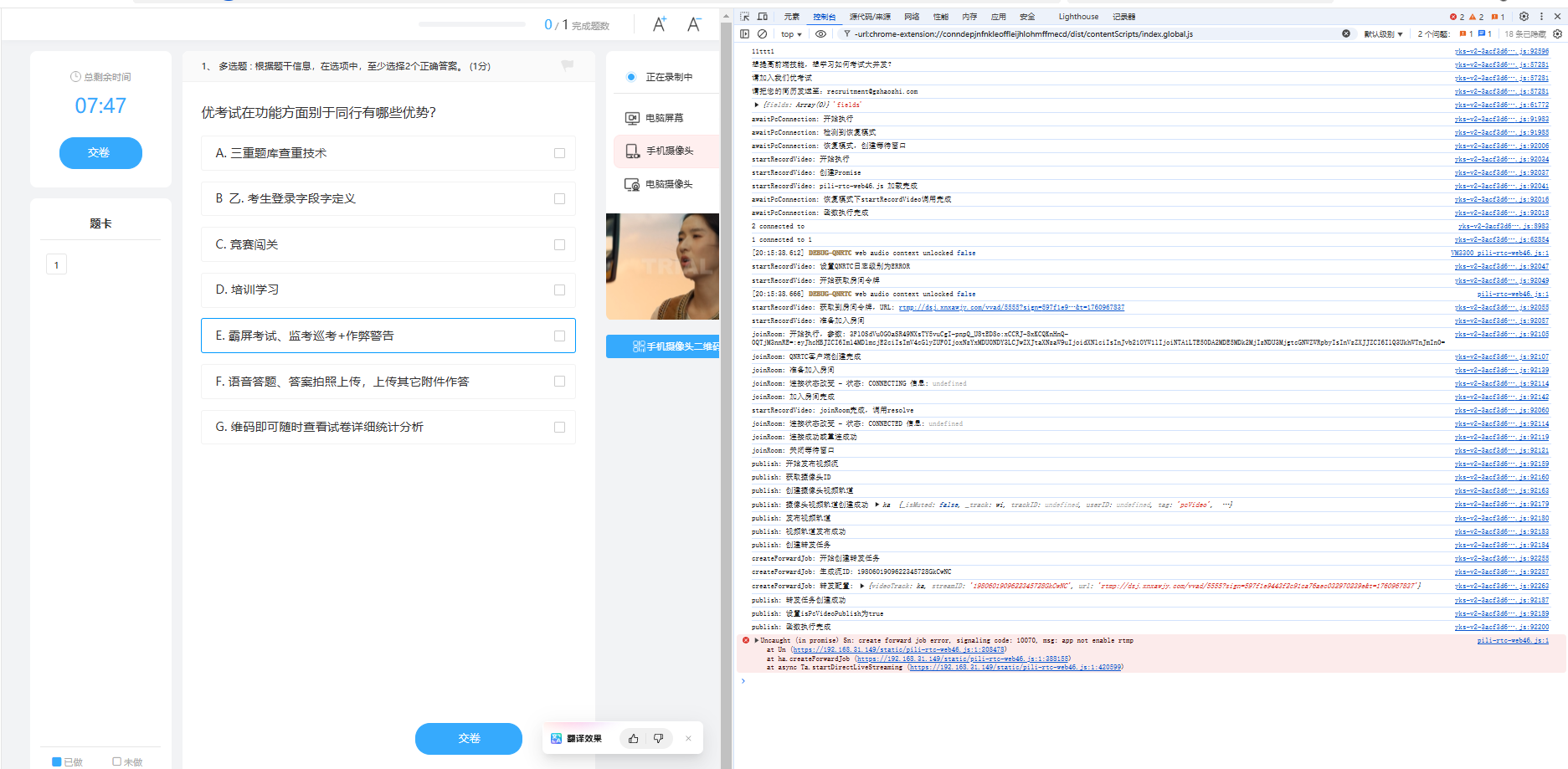
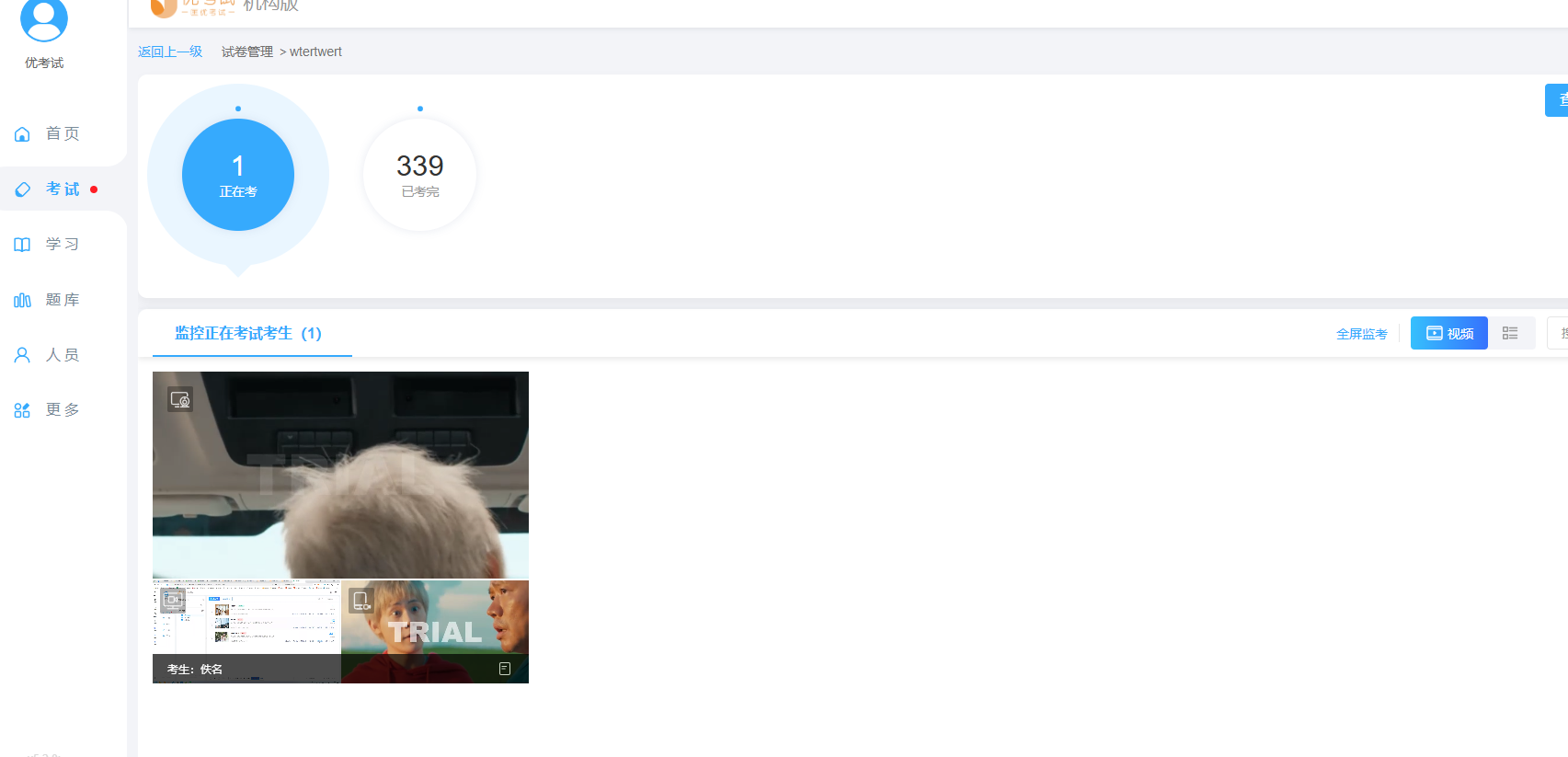
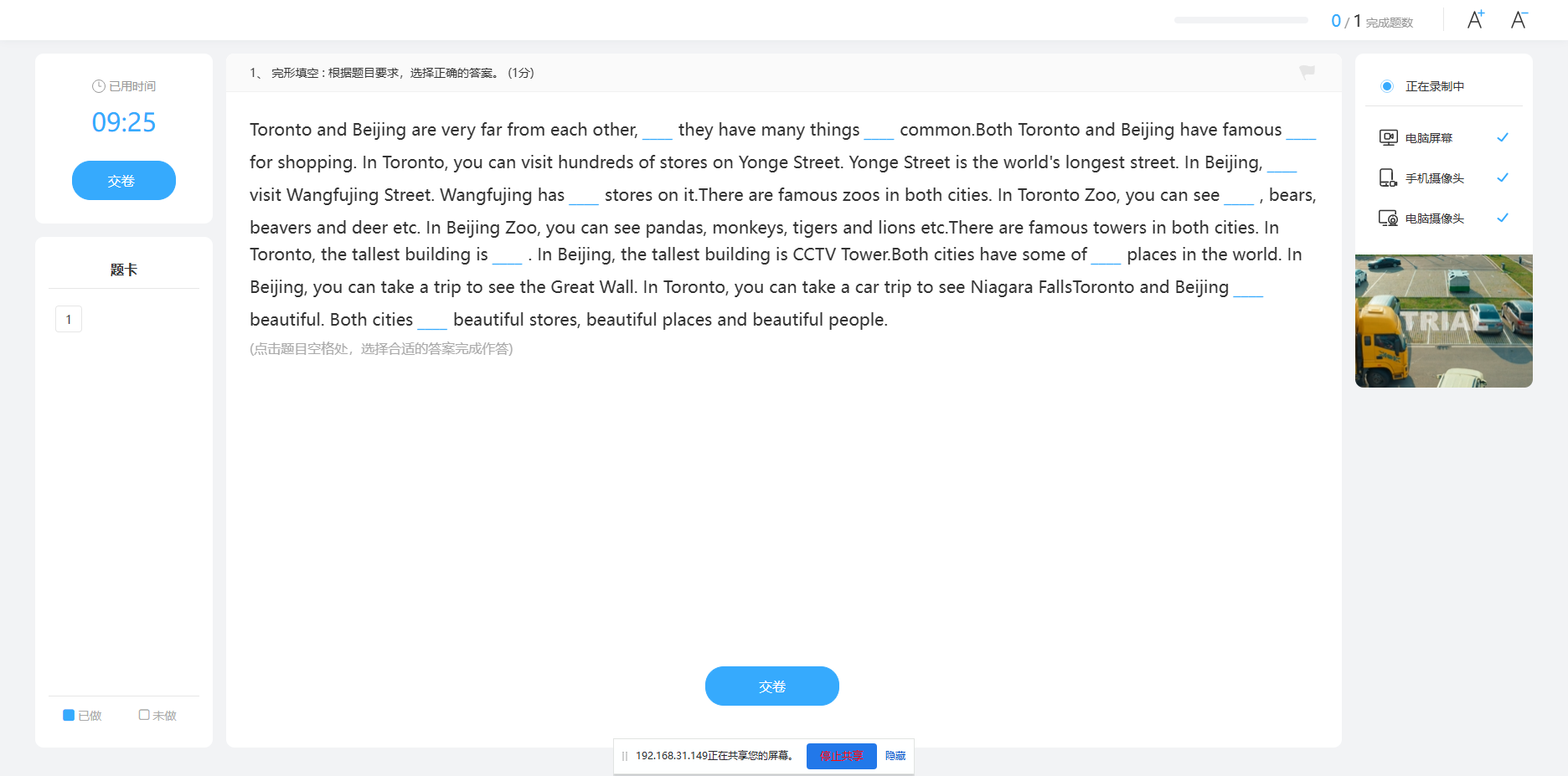
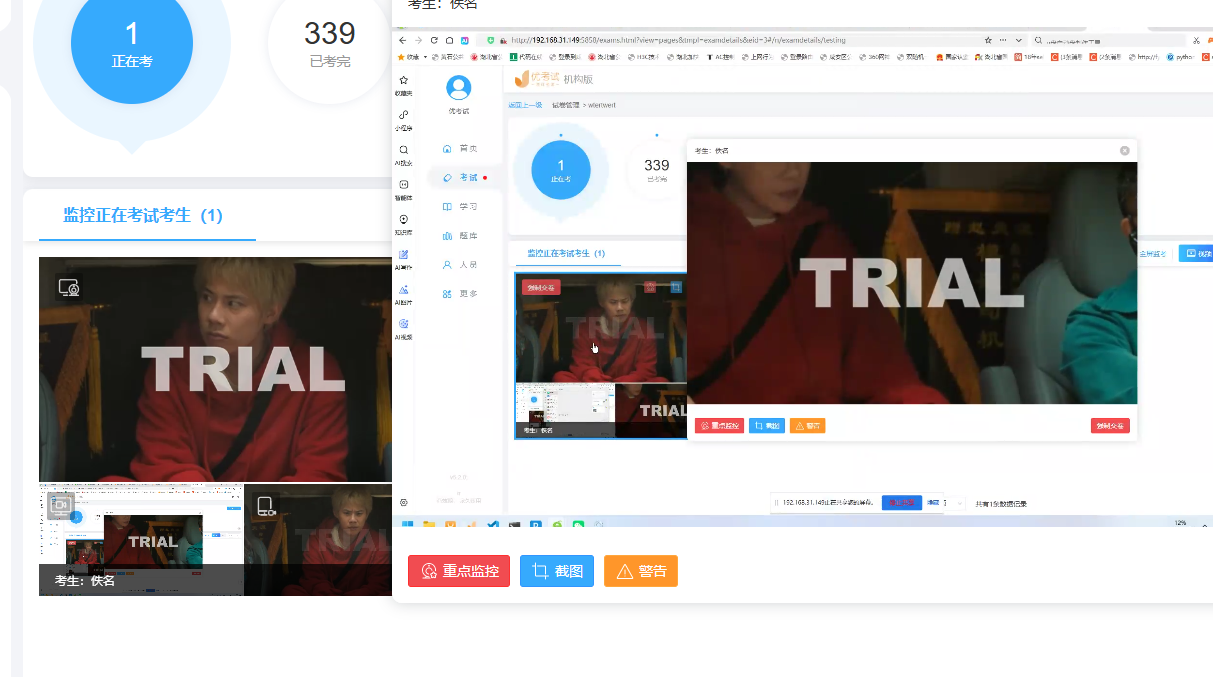

火山引擎视频云技术社区,是面向 AI 音视频开发者的技术交流平台。这里汇聚源自抖音、豆包等亿级 DAU 产品的 RTC、直播、点播、AI 媒体处理、音视频互动技术,提供接入指南、最佳实践、性能调优、场景案例、Demo 代码、开源项目、白皮书和 API 文档。社区汇聚官方工程师与一线开发者,为 AI 视频通话、数字人、AI 视频处理等应用的开发与落地提供技术支持。
更多推荐
 16
16 0
0- 0


 已为社区贡献1条内容

所有评论(0)